
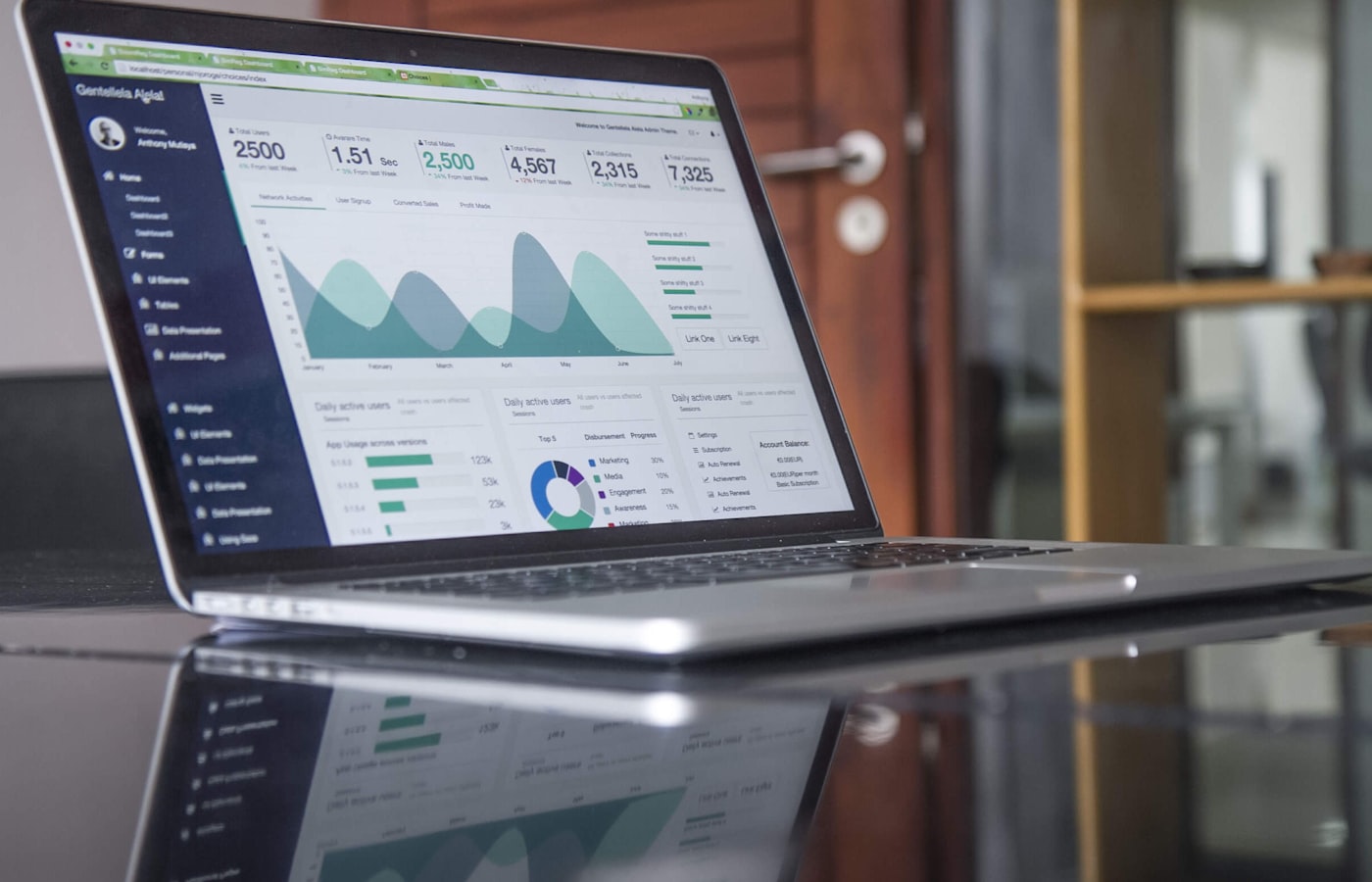
Import your data
Upload purchase order and invoice exports in CSV or Excel (XLSX) format. ProcureIQ detects file types and matches common column headings.
AI-assisted procurement audit and spend analysis.
Purchase orders and invoices hold important clues about how your organisation buys. But reviewing them manually can be slow, repetitive and difficult to scale.
ProcureIQ helps internal audit, finance and procurement teams analyse purchase order and invoice data, surface transactions that may need attention, and prioritise reviews using evidence-backed findings.
Price differences, duplicate invoices, split purchase orders and invoices without matching purchase orders can be difficult to spot across large transaction files.
Manual reviews take time. Important patterns can be overlooked. Audit teams need more than a list of exceptions. They need to understand why a transaction was flagged and where to look next.
ProcureIQ automates key checks across purchase order and invoice exports, ranks findings by potential financial exposure and provides explanations and supporting evidence for human review.
Find the transactions that deserve attention. Start with the evidence.
ProcureIQ is a web-based procurement audit tool that analyses purchase order and invoice exports. Upload your data, check its readiness, run the audit and review prioritised findings in one workflow.
Its rule-based audit engine performs eight checks and generates ten kinds of findings. It also calculates nine management-level business answers without relying on AI. A locally hosted AI model explains findings and provides a second-pass review of the highest-priority items.
The result is a clearer, evidence-led view of transactions that may warrant further investigation.
Upload purchase order and invoice exports in CSV or Excel (XLSX) format. ProcureIQ detects file types and matches common column headings.
Review accepted and rejected rows, understand why records were rejected and see which business answers can be calculated from the uploaded data.
ProcureIQ applies its rule-based checks to identify transaction patterns and potential exceptions.
Findings are ranked by severity and potential exposure. Open a finding to review its explanation, supporting evidence rows and suggested next step.
Download an Excel workbook or PDF report to share the audit results with relevant stakeholders.
ProcureIQ runs eight rule-based checks that produce ten kinds of findings, including:
These checks are designed to surface items for review. A flagged transaction is not, by itself, proof of fraud, non-compliance or financial loss.
In addition to individual findings, ProcureIQ calculates nine management-level answers from the uploaded data:
These business answers are calculated by the audit engine and do not require the AI model.
ProcureIQ uses a locally hosted AI model to explain findings in plain language and review the top ten findings by severity and potential exposure.
AI explanations support the review process. They do not replace the judgement of an auditor or procurement professional.
Includes Summary, Findings, Business Answers and AI Disputed worksheets.
Includes the nine business answers, up to 100 findings ranked by potential exposure, and findings disputed by the AI reviewer.
Provides rows that could not be read, together with the reason and source row number.
Prioritise transaction reviews and investigate potential exceptions with source-row evidence.
Review purchase order and invoice patterns, including price differences, possible duplicates and split orders.
Identify invoices and transaction patterns that may need further checking before they are treated as resolved.
Use management-level business answers and downloadable reports to support review discussions.
ProcureIQ runs on a Datakosa-managed server. Its AI model is locally hosted on the same server, so customer data is not sent to an external AI service for the explanation and review workflow.
Customers see only their own audits. Access is controlled through customer accounts and licences, with a separate administration portal. Security-relevant account and audit events are recorded in an activity log.
See how ProcureIQ analyses purchase order and invoice exports, identifies potential exceptions and turns audit results into prioritised findings.
In a live demonstration, we can walk you through the data import, audit checks, business answers, finding-level evidence and downloadable reports.
Want to understand whether ProcureIQ fits your procurement audit process? Talk to our team.
info@datakosa.ai
The current application analyses purchase order and invoice exports in CSV and XLSX formats.
Direct ERP connectors are planned. In the current application, users export purchase order and invoice data and upload the files.
Those document types are not supported in the current version. The current audit is based on purchase order and invoice data.
No. The rule-based audit checks and nine business answers are calculated without AI. A locally hosted AI model explains findings and reviews the top ten findings.
No. Findings and potential-exposure amounts are leads for a person to investigate. They are not confirmed losses or proof of wrongdoing.
ProcureIQ currently provides Excel and PDF audit reports, as well as a download of rejected rows.
Use the Book a ProcureIQ Demo form on this page. The Datakosa team will contact you to arrange a demonstration.
Move beyond manual transaction checking. Use structured audit rules, prioritised findings, plain-language explanations and downloadable reports to focus attention where it may matter most.
ProcureIQ from Datakosa. Clearer procurement audits start with better visibility.